
Two ways to give a LiveKit agent your own voice
Part 4 of a series on building expressive, real-time AI avatars. Part 1 covers where this started, part 2 gets a LiveKit voice agent running, and part 3 builds the avatar.
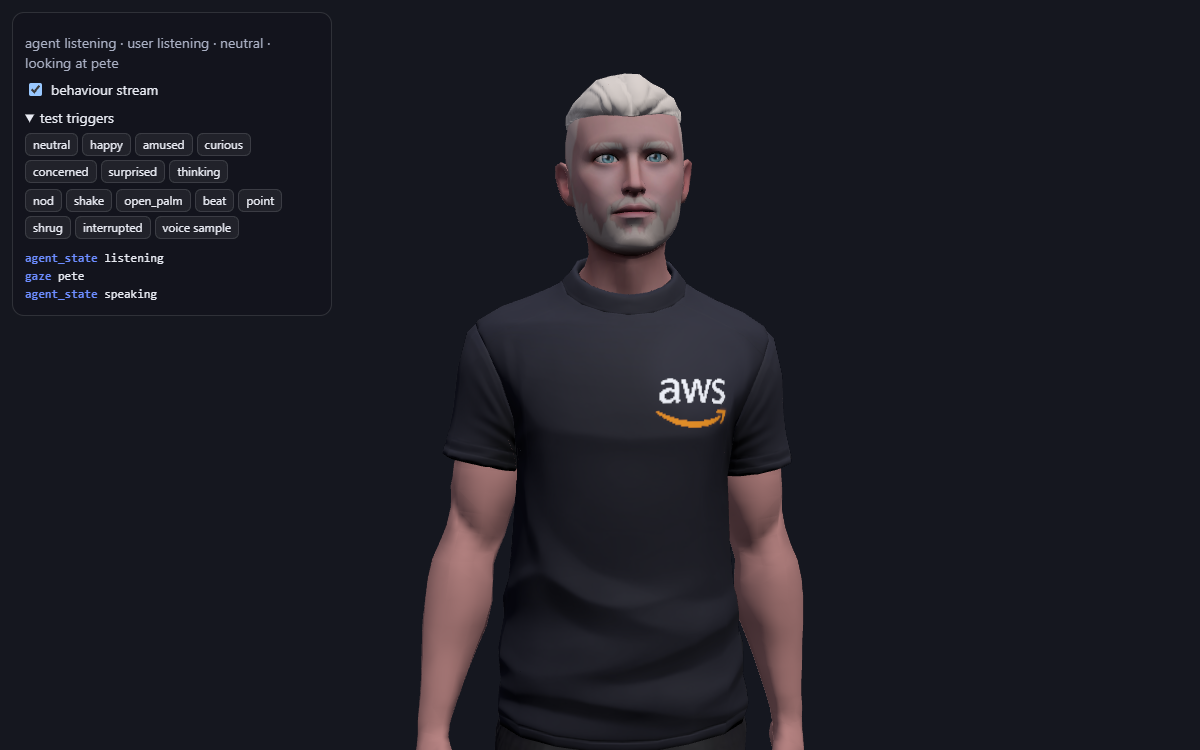
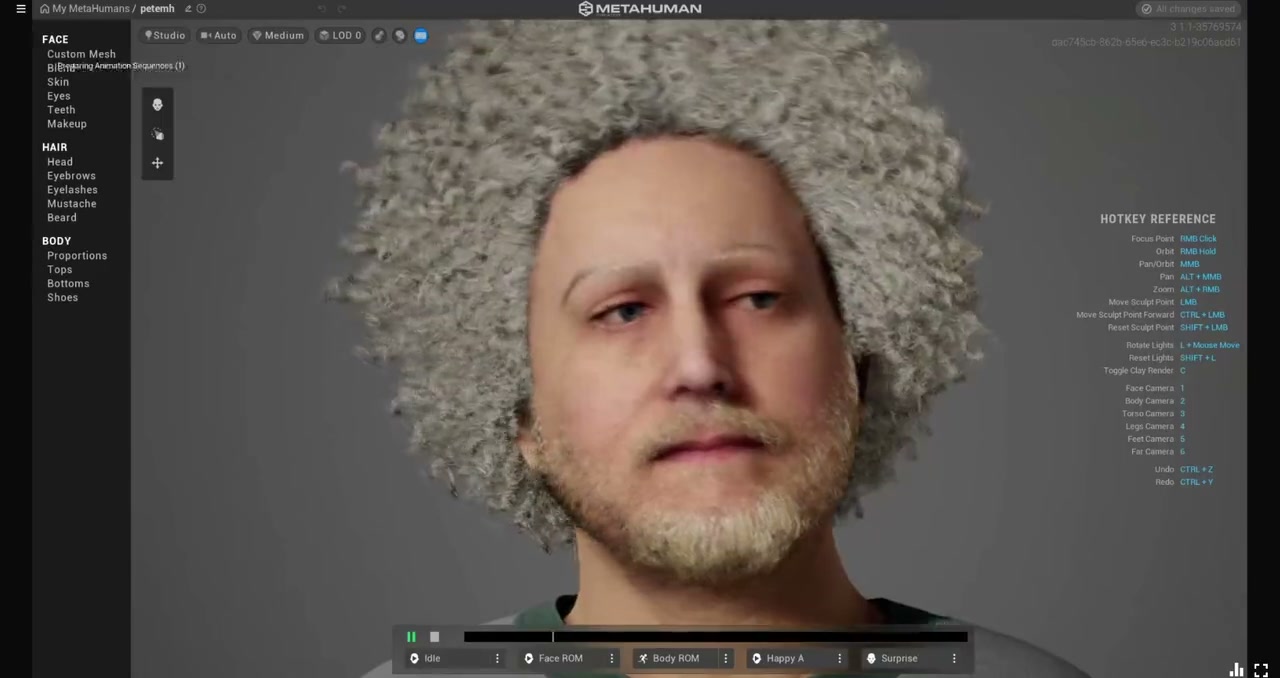
By the end of part 3, my avatar had my face, a full set of expressions, and a body that breathed and talked with its hands. But it spoke with somebody else’s voice: a stock voice called Blake. For a digital twin, that’s the one thing that gives it away.
There are two good ways to give a LiveKit agent your own voice, and they suit different situations. This post covers both. I’m using the second one, through ElevenLabs, for the demo above.
The two routes
Route A: LiveKit custom voices. You clone your voice in the LiveKit Cloud dashboard, and the agent uses it through LiveKit Inference, the same API key that already runs its speech-to-text and LLM.
Route B: ElevenLabs through LiveKit’s plugin. You clone your voice in ElevenLabs, and the agent uses it through LiveKit’s ElevenLabs plugin with your own ElevenLabs API key.
The rest of the pipeline is the same either way: speech-to-text, the LLM, turn detection, the behaviour stream and the avatar. Only the text-to-speech step changes. That’s one of the nicest things about LiveKit’s design: you can bring the voice provider that suits you without touching anything else.
| Route A: LiveKit custom voices | Route B: ElevenLabs plugin | |
|---|---|---|
| Where you clone | LiveKit Cloud → Voices → Custom voices | ElevenLabs → Instant Voice Clone |
| Recording | about 10 seconds | about 1–5 minutes recommended |
| Plan needed | LiveKit Cloud Ship (from $50/month, includes 20 custom voices) | ElevenLabs Starter (about $6/month) |
| Accounts and keys | one: your LiveKit key | two: LiveKit, plus an ElevenLabs API key |
| Providers | the clone is created on Cartesia, Inworld, Fish Audio and Gradium, and you can switch between them with the same voice ID | ElevenLabs models, including Flash v2.5 and Eleven v4 |
| Emotion in the voice | Cartesia’s emotion and speed options |
stability, style and speed settings, and the expressive v3/v4 models |
| Word timing | yes, with Cartesia’s add_timestamps |
yes, on by default |
Prices and plan details are from October 2026, so check both pricing pages before you decide.
Which to choose? If you’re already on a paid LiveKit Cloud plan, route A keeps everything on one account and one bill, and lets you switch voice providers freely. If you already use ElevenLabs, or want its particular models and voices, route B lets you bring that voice straight into a LiveKit agent.
One setting, both routes
In the repo, the voice is chosen by a few settings in agent/.env.local, so switching routes needs no code changes:
def make_tts():
    model = os.environ.get("AVATAR_TTS_MODEL", DEFAULT_MODELS.get(TTS_PROVIDER, ""))
    voice = os.environ.get("AVATAR_VOICE")
    if TTS_PROVIDER == "elevenlabs":
        if not voice:
            raise RuntimeError("AVATAR_TTS_PROVIDER=elevenlabs needs AVATAR_VOICE set to an ElevenLabs voice ID")
        return elevenlabs.TTS(voice_id=voice, model=model)
    if TTS_PROVIDER != "inference":
        raise RuntimeError(f"Unknown AVATAR_TTS_PROVIDER {TTS_PROVIDER!r}: use inference or elevenlabs")
    return inference.TTS(model, voice=voice or DEFAULT_VOICE)
AVATAR_VOICE takes either kind of voice ID: a LiveKit custom voice (v_…) on route A, or an ElevenLabs voice ID on route B.
Route B, step by step: ElevenLabs
1. Create an account, and check the data settings first
Sign up at elevenlabs.io. Before uploading any recordings, find the data-use setting in your account settings. ElevenLabs’ terms let them use what you upload, including your voice, to improve their services, and this setting lets you opt out of training. Opting out doesn’t undo uses from before you changed it, so do it first.
2. Choose a plan
The free plan gives you about 10,000 credits a month and a library of stock voices, which is enough to try the integration. It even shows 3 custom voice slots, but cloning your own voice isn’t included. I recorded my whole sample on the free plan and got an upgrade prompt at the end. The API confirms it: on the free plan, can_use_instant_voice_cloning is false.
Instant Voice Cloning starts with the Starter plan, normally about $6 a month. When I signed up in October 2026, ElevenLabs was offering the first month of Starter for $1, so it’s worth checking for an introductory offer. You can also cancel straight away: ElevenLabs’ terms say a cancellation takes effect at the end of the billing period, and you keep access until then. That gave me a full month with my clone for $1. My Starter account came with 40,000 credits.
3. Clone your voice
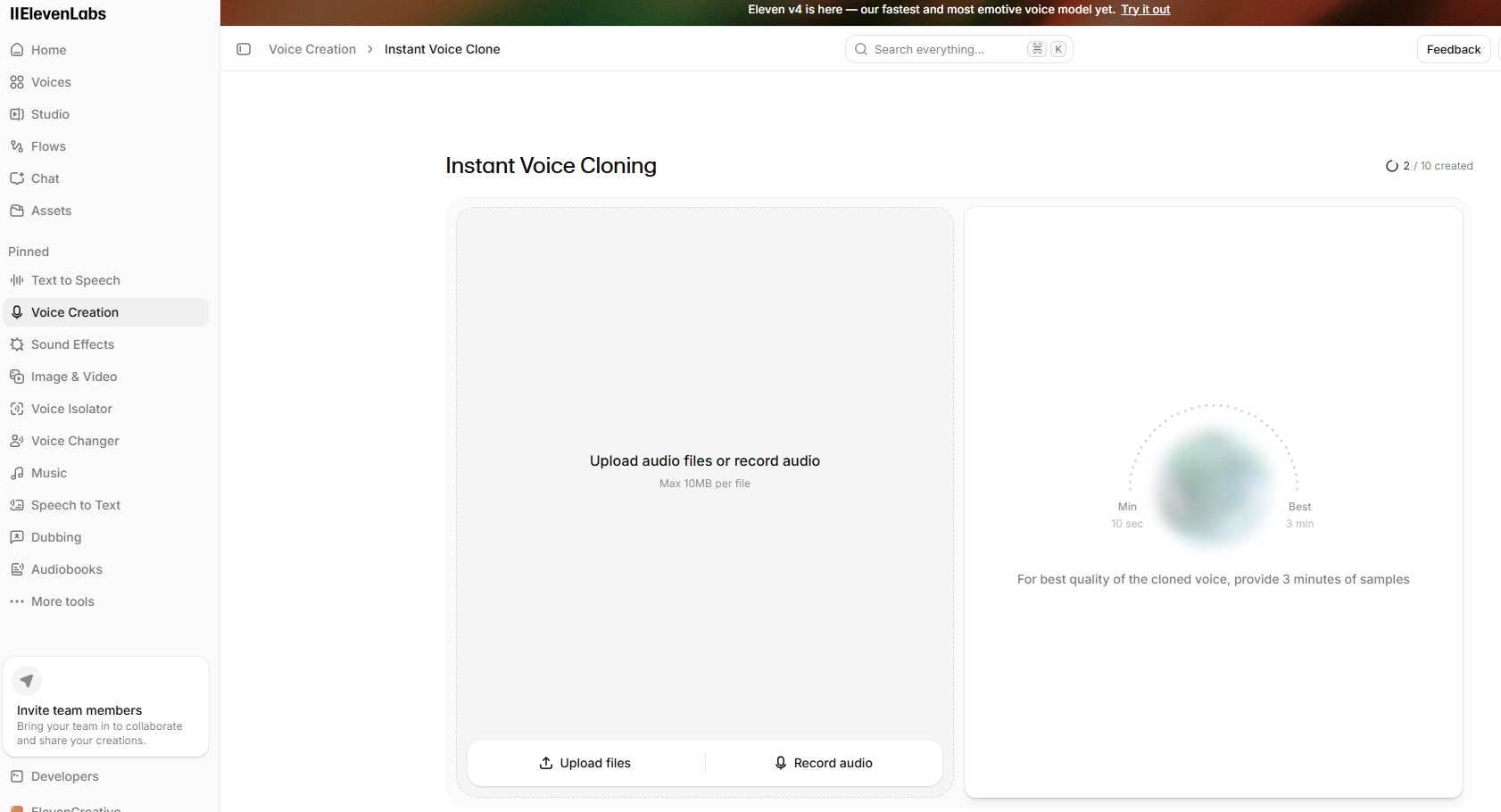
Under Instant Voice Clone, record or upload a sample of yourself speaking.
- Length: ElevenLabs recommends 1–5 minutes. I read a three-minute story.
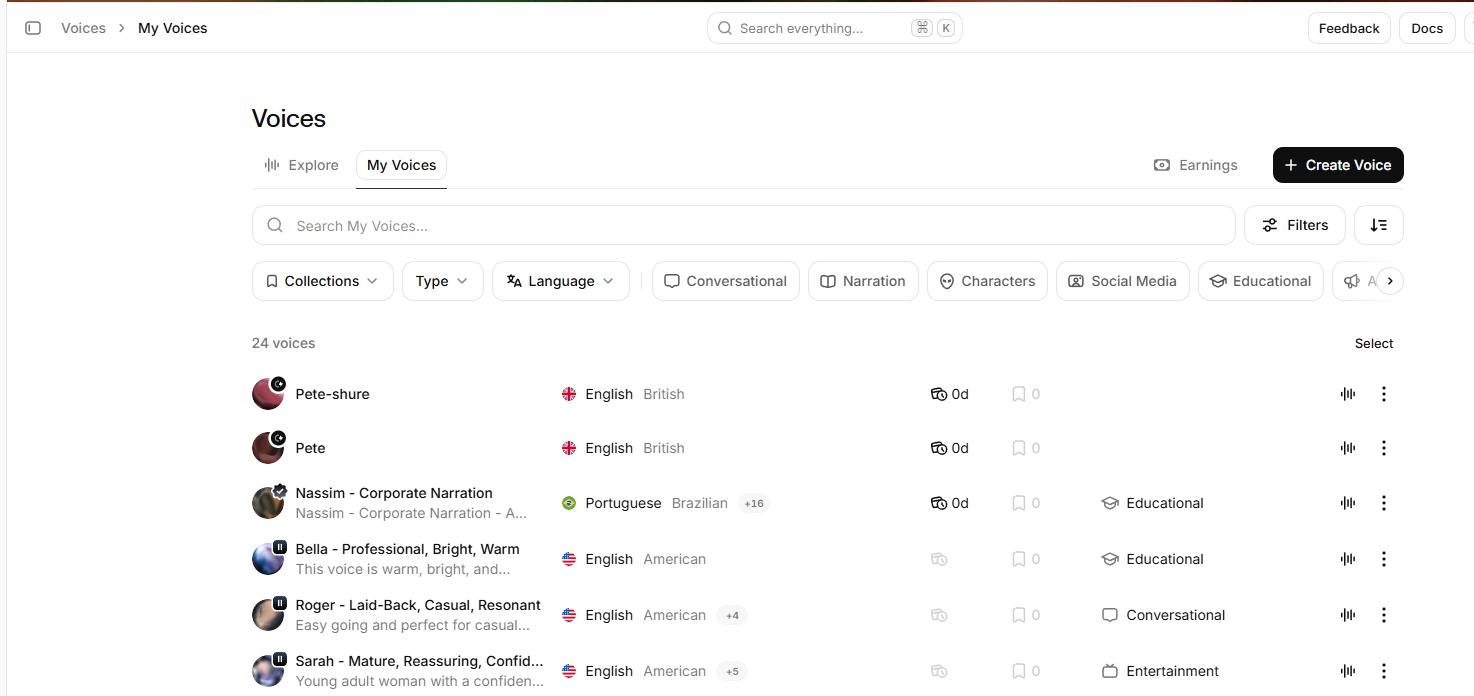
- Quality: a quiet room and a decent microphone matter more than anything else. After my first attempt, I re-recorded my sample on a better microphone: that’s the “Pete-shure” voice below.
- Delivery: speak the way you’d want the avatar to sound, with natural variety. A story with questions, surprises and a joke or two gives the clone more range than reading a manual.
You’ll be asked to confirm the voice is yours. When it’s done, the voice appears in your library.
4. Create an API key
Create an API key with just three permissions:
| Permission | Needed for |
|---|---|
| Text to Speech | the agent’s voice |
| Voices (read) | listing your voices and their IDs |
| User (read) | checking your plan and whether cloning is enabled |
Everything else can stay off. If the dialog lets you set a credit limit on the key, it’s worth doing.
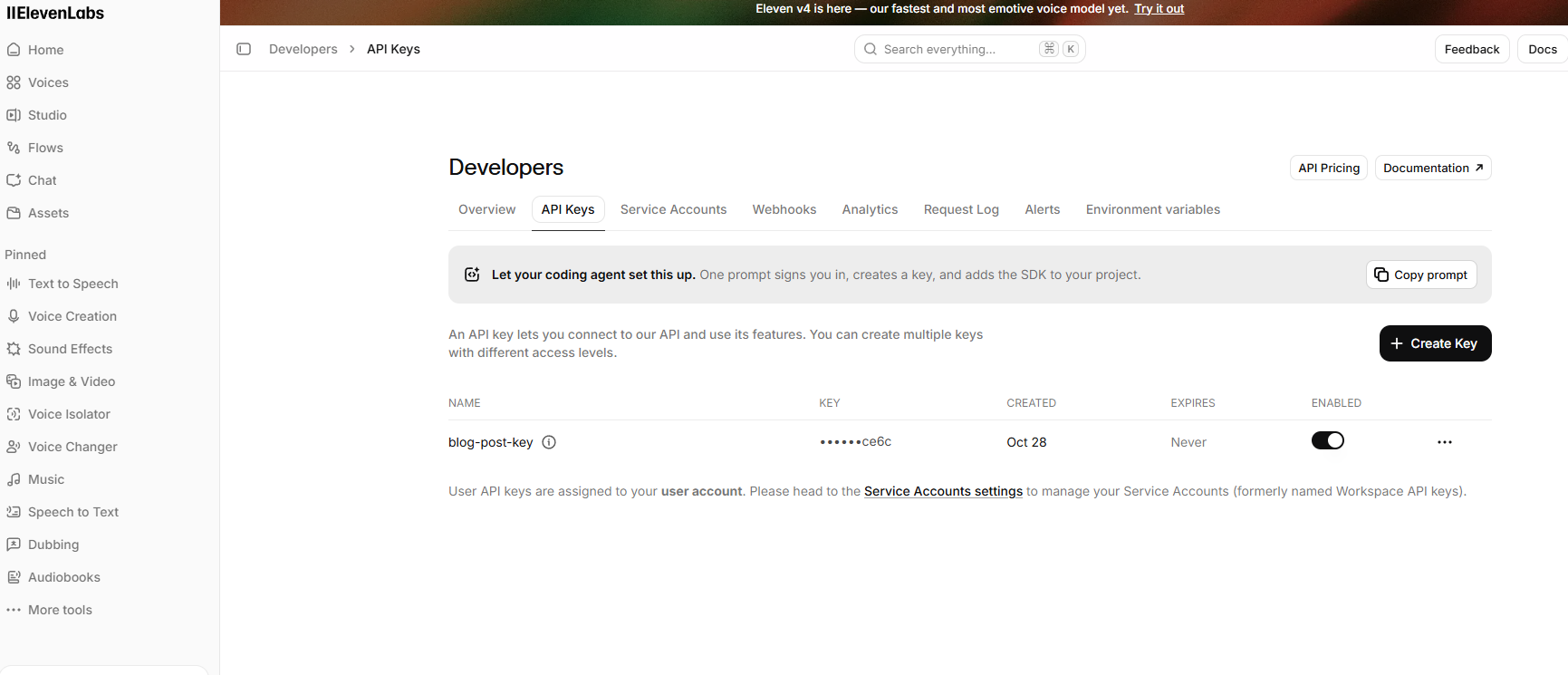
Put the key in agent/.env.local as ELEVEN_API_KEY=….
5. Check it works
The repo includes a small checker that reads the key from .env.local and asks the API what your account can do:
uv run --project agent python tools/check_elevenlabs.py
Plan: starter  (0/40000 credits used)
Instant Voice Cloning: yes
Professional Voice Cloning: no

Voices (24); clones first:
  aPctqfyWNRZ5tG3Q5PoM  cloned       Pete
  szjxFHBq49nokhN8LmLh  cloned       Pete-shure
  CwhRBWXzGAHq8TQ4Fs17  premade      Roger - Laid-Back, Casual, Resonant
  ...
Add --say <voice-id> and it also speaks a test sentence into tools/elevenlabs-sample.mp3, so you can hear the clone before the avatar uses it.
6. Plug it into the agent
Add the plugin to the agent (it’s already in the repo):
uv add "livekit-agents[elevenlabs]~=1.8"
Then set the voice in agent/.env.local:
AVATAR_TTS_PROVIDER=elevenlabs
AVATAR_VOICE=szjxFHBq49nokhN8LmLh
AVATAR_TTS_MODEL=eleven_v4
The model is optional. It defaults to eleven_flash_v2_5, ElevenLabs’ low-latency model. For the demo I used Eleven v4, which ElevenLabs describes as its most emotive model yet, and it streamed in real time through the plugin without problems.
Restart the agent with uv run agent dev, join from the web client, and you’re talking to yourself.
One thing that caught me out: LiveKit plugins register themselves when they’re imported, and that has to happen on the main thread. I first imported the ElevenLabs plugin lazily, inside the function that builds the session. The agent crashed with Plugins must be registered on the main thread as soon as it joined a room. Import it at the top of the file with everything else.
Route A, step by step: LiveKit custom voices
I haven’t tried this route yet, because it needs the Ship plan. These are the steps from LiveKit’s documentation:
- In the LiveKit Cloud dashboard, open your project and go to Voices → Custom voices.
- Click Create voice clone, then record about 10 seconds (the dialog gives you a script) or upload a file: MP3, WAV, OGG or WEBM, up to 4 MB.
- Trim it if needed, name the voice, and choose its language. Remove background noise is there if your recording needs it.
- Click Upload and clone voice and accept the consent items. After about a minute, you get an ID like
v_RT5PsNhXvMaB. - In
agent/.env.local, leaveAVATAR_TTS_PROVIDERunset (it defaults toinference) and setAVATAR_VOICE=v_…. Optionally, setAVATAR_TTS_MODELto choose the provider, for examplecartesia/sonic-3orfishaudio/s2.1-pro.
Because the clone exists on every supported provider, Inference can also fall back to another provider if the first one fails, without the voice changing.
What happens to your voice
Cloning your voice means handing a recording of it to a company, so read the terms whichever route you choose. ElevenLabs’ terms (October 2026) give them a perpetual licence to use your recordings and voice model to provide and improve their services. They also say they won’t commercialise your voice on a standalone basis without your permission. You can opt out of training (step 1 above) and delete your voice models from your account. LiveKit’s custom voices come with their own terms and a consent step, so give those a read too.
Next
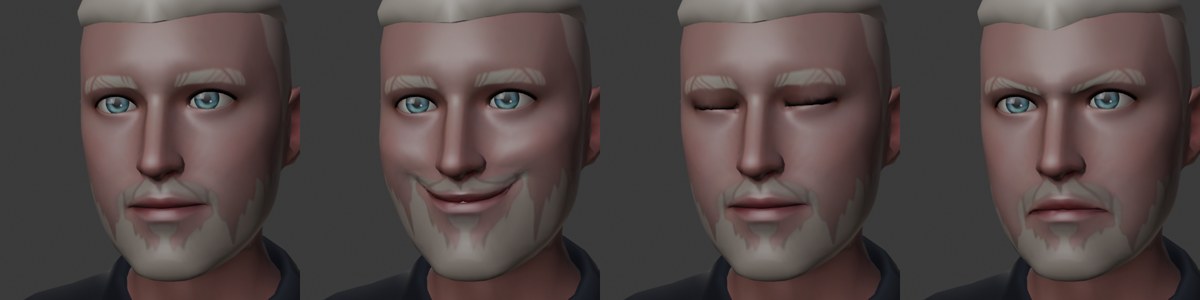
Both routes support emotion in the voice and word-level timing, and the avatar already knows the emotion of every reply: it’s in the behaviour stream. One next step is for the same emotion tag that sets the avatar’s face to also set how the line is spoken, so face and voice change together.
And now that my twin sounds like me, it needs something to talk about. Next time: choosing its LLM, giving it tools over MCP, and talking a 3D scene into existence in Blender.
Comments